The Pattern
Losing access to your own email or social media feels like being locked out of your own life. Worse, someone may be inside your accounts right now, reading your messages, sending messages as you, deleting the people you trust. If they set up the account, they may still have the keys. If they guessed your password, they are betting you will blame yourself.
Do not. Account takeover is a common extension of abuse. This guide will help you take your accounts back.
What this is
Account takeover can happen through password guessing (abusers often know your patterns), shared accounts from the relationship, phishing emails designed to steal your login, or spyware capturing your keystrokes. Impersonation is simpler: someone creates a new account using your name, photo, and details, then contacts your friends, family, or employer as you.
How it is used against you
- Monitoring: the abuser reads your messages, contacts, and activity without your knowledge
- Isolation: the abuser deletes contacts, sends messages as you that damage relationships, or blocks people from your account
- Reputation damage: fake accounts post damaging content in your name, or your real account is used to send harmful messages to your contacts
- Financial access: banking or payment accounts are drained or used for fraudulent purchases
- Evidence destruction: the abuser deletes messages, photos, or records you need for legal action
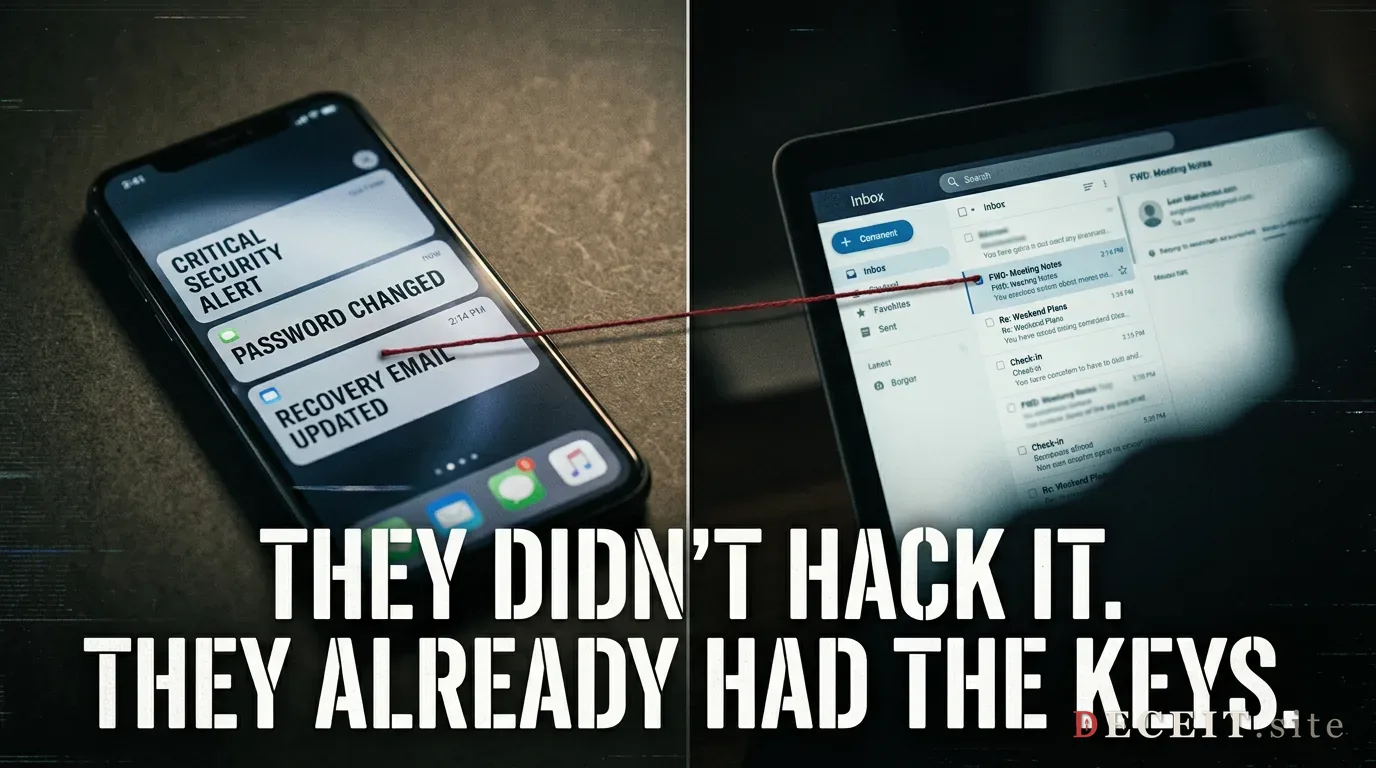
- Lockout: the abuser changes your password and recovery info, locking you out of your own accounts
What to watch for
- You cannot log into an account you own
- You get “new device” or “unusual activity” alerts you did not trigger
- Friends or contacts mention messages from you that you did not send
- Your password or recovery information has been changed without your action
- You see accounts using your name and photo that you did not create
- Your email forwarding rules have been modified to forward to an address you do not recognize
- Purchases or transactions appear that you did not make
What to do now
- Change passwords from a safer device: if the abuser may have access to your current device, use a trusted friend’s device or a library computer. Start with your email account: it is the gateway to everything else.
- Turn on two-factor authentication: use an authenticator app or a phone number the abuser does not control. Avoid SMS if the abuser has access to your phone.
- Check account recovery options: make sure the recovery email and phone number are yours, not the abuser’s.
- Review active sessions and connected devices: sign out of all devices you do not recognize. Most platforms have this in security settings.
- Check email forwarding and filter rules: abusers sometimes set up silent forwarding to monitor your email.
- Recover hacked accounts: use the platform’s account recovery flow. The FTC maintains links to major providers’ recovery pages.
- Report impersonation accounts: use each platform’s impersonation reporting tool. Provide proof of your identity.
- Tell your contacts: warn friends, family, and employer that fake accounts may contact them in your name. Ask them not to share information about you.
- Freeze credit if financial accounts were accessed: see the identity theft guide for credit freeze steps.
- Document everything: screenshot fake accounts, suspicious activity alerts, and any messages sent in your name. This is evidence.
When to get help
If your abuser has taken over your accounts, you may also be dealing with stalkerware, identity theft, or doxxing simultaneously. A domestic violence advocate or tech safety clinic can help you audit your devices and accounts safely. If financial accounts were accessed, file a report with the FTC and your bank’s fraud department. If your device may be compromised, see the stalkerware guide before changing passwords on that device. If private information is being shared publicly, see the doxxing guide.